

Site Search
616 results for access link MAKEMUR.COM Looking to pay a court officer to let me make an extra call
-
Extending Homeweb to plan members who are losing coverage
We know these are difficult times for Canadian employers and their employees.
As businesses temporarily suspend operations to help stop the spread of COVID-19, some employers have had to make the difficult decision to temporarily lay off employees or put their benefits coverage on hold.
So we are pleased to announce that Homewood Health® and Equitable Life® will extend access to Homeweb, a personalized online mental health and wellness portal, for up to 120 days for plan members who have temporarily lost their benefits coverage due to COVID-19.
Employees and their family members will continue to have access to the Homeweb website and mobile app, including:
- iVolve, Homewood’s online self-directed Cognitive Behavioural Therapy treatment tool to help manage mild to moderate anxiety and depression;
- Resources and information to support themselves and their family members through the COVID-19 pandemic;
- An interactive online Health Risk Assessment to help identify and address health risks; and
- An online library of interactive tools, assessments and 20 different e-courses that allow each user to learn at his/her own pace.
This will allow businesses undergoing financial hardship to provide some support to employees who are temporarily without benefits coverage.
-
Stay connected with a NEW Web Illustration tool for Equimax
Equitable Life® is pleased to announce the launch of our web illustration tool starting with Equimax® participating whole life insurance.
This web illustration tool for Equimax is another way that Equitable Life is modernizing your experience and allowing you more flexibility to keep your business going while you’re on the road or meeting clients. This new illustration site is accessible on a web browser, so you can access it from a mobile device such as your phone, tablet, or iPad, and with MAC or Windows-based PCs or laptops.
Access the new web illustration tool for Equimax by logging in to EquiNet® and clicking the button in the ribbon called Sales Illustration that now has a Web Illustrations option. Note that you have the option to continue running Equimax illustrations in the desktop illustration software, as it remains unchanged at this time.
For future enhancements, we plan to integrate with EZcomplete®, to continue to make it easy to do business with Equitable Life.
Visit the New Web illustration tool for Equimax® now.
Questions? Please see our FAQ or contact your Regional Sales Manager.
® denotes a trademark of The Equitable Life Insurance Company of Canada -
Path to Success modules now available on EquiNet!
The Path to Success Critical Illness course module PDFs and videos are now available on the Critical Illness EquiNet page. The Path to Success program gives you access to specialized topics about Critical Illness Insurance, why it matters for your clients, and how to make an effective sale.
Learn about:
- Overcoming objections to Critical Illness Insurance
- Pivoting from other products to Critical Illness Insurance
- How to position and design the Critical Illness solution
…and more!
We have made the expert information from Path to Success available to you to review at anytime. However, if you wish to earn CE credits, you may continue to access the course through our Path to Success program website.
Questions about the program? Visit the Critical Illness page on EquiNet or contact your local wholesaler. -
Forget the password. Create your EquiNet passkey today.
Passkey technology lets you log in to your EquiNet account securely using your face or fingerprint, removing the need for a password. Your biometric data stays safely on your device, making passkey a simple, fast, and highly secure way to access your account. You may already be using passkey on your personal devices.
Ready to get started? Watch the video to learn how to create a passkey on your mobile device. Starting this December, if you choose to continue to log in using your email address and password, you may also be required to enter a one-time passcode that’s sent to your email.
Important! Protect your credentials.
In 2026, all your Equitable® accounts will use the same credentials to log in.
Remember that you have personal information in your Client Access® and EquitableHealth.ca® accounts. To keep your personal information private and safe, make sure you’re the only one using your login credentials.
Watch for ongoing communications and updates about how Equitable is helping to protect your information.
-
New “Update Payment” feature for banking changes has launched!
Great news! Equitable® has launched a new self-serve "Update Payment" feature in Client Access and on EquiNet®. This new online process enables clients and advisors to easily submit key banking change requests for eligible insurance policies*, with no need to complete a physical form.
What’s new?
A new "Update Payment" feature is now available on Client Access and on EquiNet under Policy Inquiry. It allows clients (and advisors) to easily submit requests for the following three transactions online:
1. STOP pre-authorized payments.
2. RESUME pre-authorized payments on overdue accounts.
3. CHANGE which bank we withdraw money from.
The new "Update Payment" feature replaces the previous "Edit" button in Client Access. The old banking change options are still available in the client’s Profile section. They can be used to request a change to the payment withdrawal date, as that option is not yet available with the new Update Payment feature.
How it works!
When a change is requested using the new Update Payment feature, our Operations team receives it online. They will review and process the changes within three business days, as per Equitable’s current service standards.
The Update Payment feature in Client Access is a self-serve process. However, if a client prefers, their advisor or an Equitable Customer Service associate can assist them by submitting the request on their behalf. Clients will be asked to sign to approve any such requests that are submitted by someone other than the owner of the policy.
*The Update Payment transactions are only available for eligible policies: those that have not lapsed, are not on Automatic Premium Loan, and are not owned by a corporation or other entity.
We trust that these digital enhancements will help make the client and advisor experience even simpler and more efficient.
Need more information? Please contact your Equitable wholesaler.
® or TM denotes a trademark of The Equitable Life Insurance Company of Canada. -
New! Digital Beneficiary Change Request option for clients (Individual insurance)
Great news! Equitable® has introduced a new Digital Beneficiary Change Request option for life insurance clients on Client Access.
Clients with eligible plans can now choose to make beneficiary changes directly online. It is another step in Equitable’s journey of enhancing the client experience.
Which plans are eligible?
Eligible
• Individually owned plans with revocable beneficiary designations.
• Plans with policy owners not living in Quebec.
Not eligible
• Plans with irrevocable or preferred beneficiaries.
• Plans with policy owners living in Quebec.
Our previous process, using form (#671BCF), has not changed. It continues to be available for those who prefer that option.
Note: The new Digital Beneficiary Change Request is currently only available to clients. We will be launching an advisor online option soon. Going forward, we will not make self serve transactions available to clients ahead of advisors.
Learn more: Please contact your local Equitable wholesaler. -
Digital Payment Options for Your Client’s First and Subsequent Annual Payments for Individual Life a
This article has been updated to reflect changes to the Pre-Authorized Debit (PAD) for new business annual premiums – see below #2.
To enhance the ease of doing business with Equitable Life, we have added some additional payment methods to help your clients make their first and subsequent annual premium payments easily.
Three digital payment options for annual premium payments:
1. Online bill payment - Your client can pay their annual premium easily and quickly by using the online bill payment option through their financial institution. On your client’s banking website, they must set up “EQUITABLE LIFE-INDIVIDUAL LIFE & CI” as a “PAYEE”. Use the 9 (or 7) digit policy number as the “account number” then pay this new “bill”. This is the preferred option for annual payments.
2. Pre-Authorized Debit (PAD) - For policies where annual premiums are $2,500 or greater, your client now has the additional option of an annual PAD payment. Your client needs to provide a signed PAD authorization form, or a signed letter of direction that indicates they have read and agree to the terms of the PAD. This is a one-time authorization and needs to be repeated for subsequent annual payments.
3. Electronic Funds Transfer (EFT) or Wire Transfer - If online bill payment or a one-time PAD will not meet your client’s needs, such as when transferring funds from another financial institution or business to Equitable Life, and the annual premiums are $20,000 or greater, then an EFT is now an option that is available. A wire transfer is available on an exception basis only and is subject to approval.
Please contact your Regional Sales Team or customer service team for further questions.
-
Did you miss our Equimax update in December?
Equimax – a better and stronger solution!
Discover the latest Equimax updates
Great news! We’ve made further updates to our Equimax® insurance solution to better serve clients.
Here are some of the changes:
● A new guaranteed 10 pay premium option for Equimax Wealth Accumulator®.
● You can now add an Excelerator deposit option (EDO) on Equimax Estate Builder® and Wealth Accumulator plans with a 10 Pay premium option (term rider not required at issue of the policy).
● We increased our flexibility with EDO. This will make it easier for clients to stop and start EDO contributions without losing their maximum approved contribution room. On top of that, these changes will apply to all inforce policies. A single set of EDO rules will apply to every Equimax policy whether it’s issued tomorrow or 10 years ago, making it simpler to help clients manage their policies.
● We increased the maximum amount of Equimax coverage that can be applied for without a special quote from $20M to $25M.
Equimax is now an even better and stronger solution. For a full breakdown of these product updates visit our splash page.



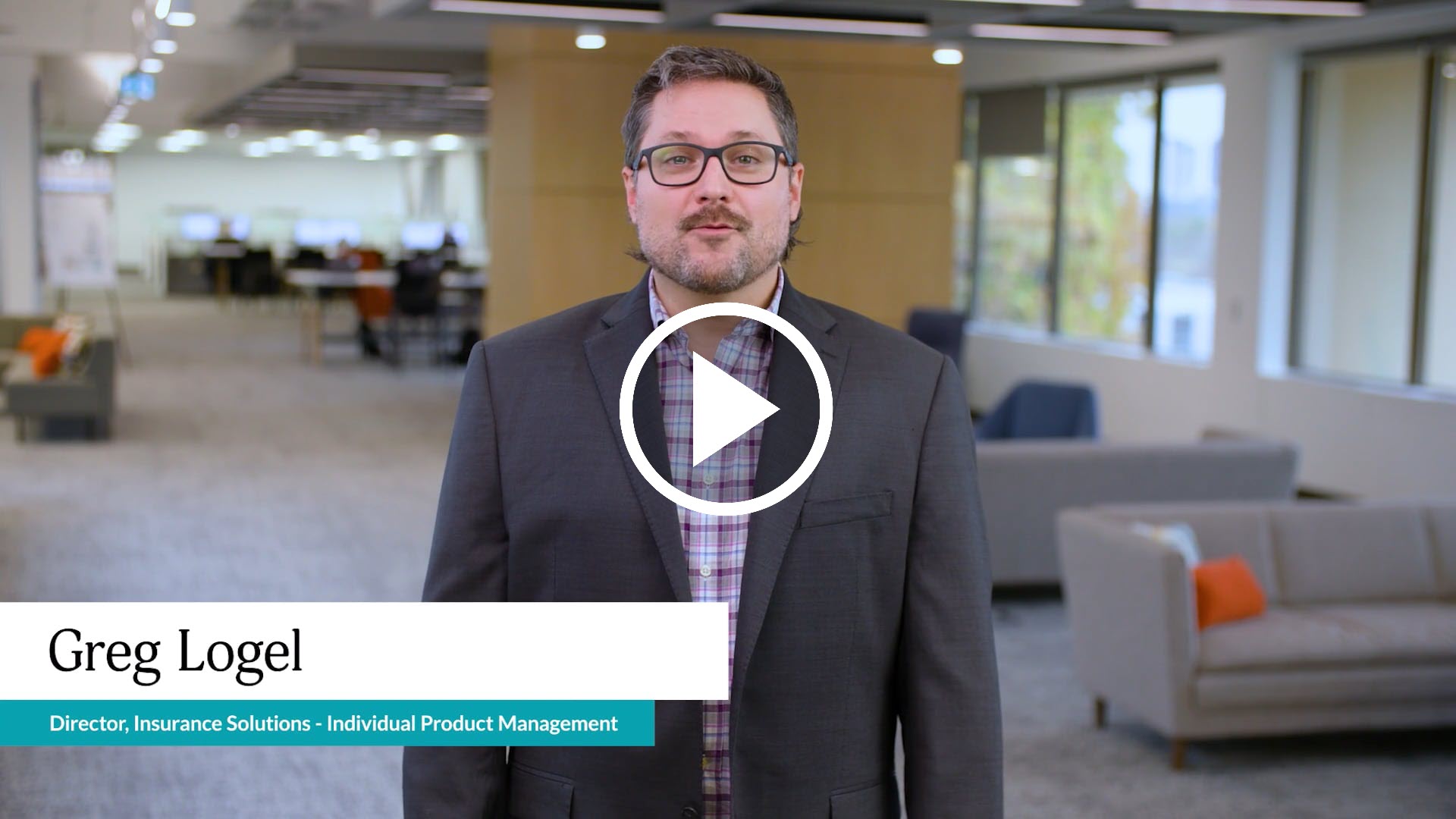
*Video available in English with French and Chinese sub-titles.
Please refer to our Transition Rules for all the details on processing your applications.
Need more information? Please contact your Equitable wholesaler. - Introducing Empathy – Compassion and care at time of loss
- [pdf] Claimant Statement for Individuals